Connecting to the Methodius AI Community Hub
Only pulling private items from the Methodius AI Community Hub requires a Connection key. Public items do not require a Connection key and can be pulled in without one. To create a Connection key, visit your [profile page on the Methodius AI Hub](https://hub.Methodius (opens in a new tab) AI.com/me) and click the Create Connection Key button.
Connecting to the Methodius AI Community Hub requires a Connection key. You can find your Connection key by visting your [profile page on the Methodius AI Hub](https://hub.Methodius (opens in a new tab) AI.com/me) and copying or creating a new Connection key.
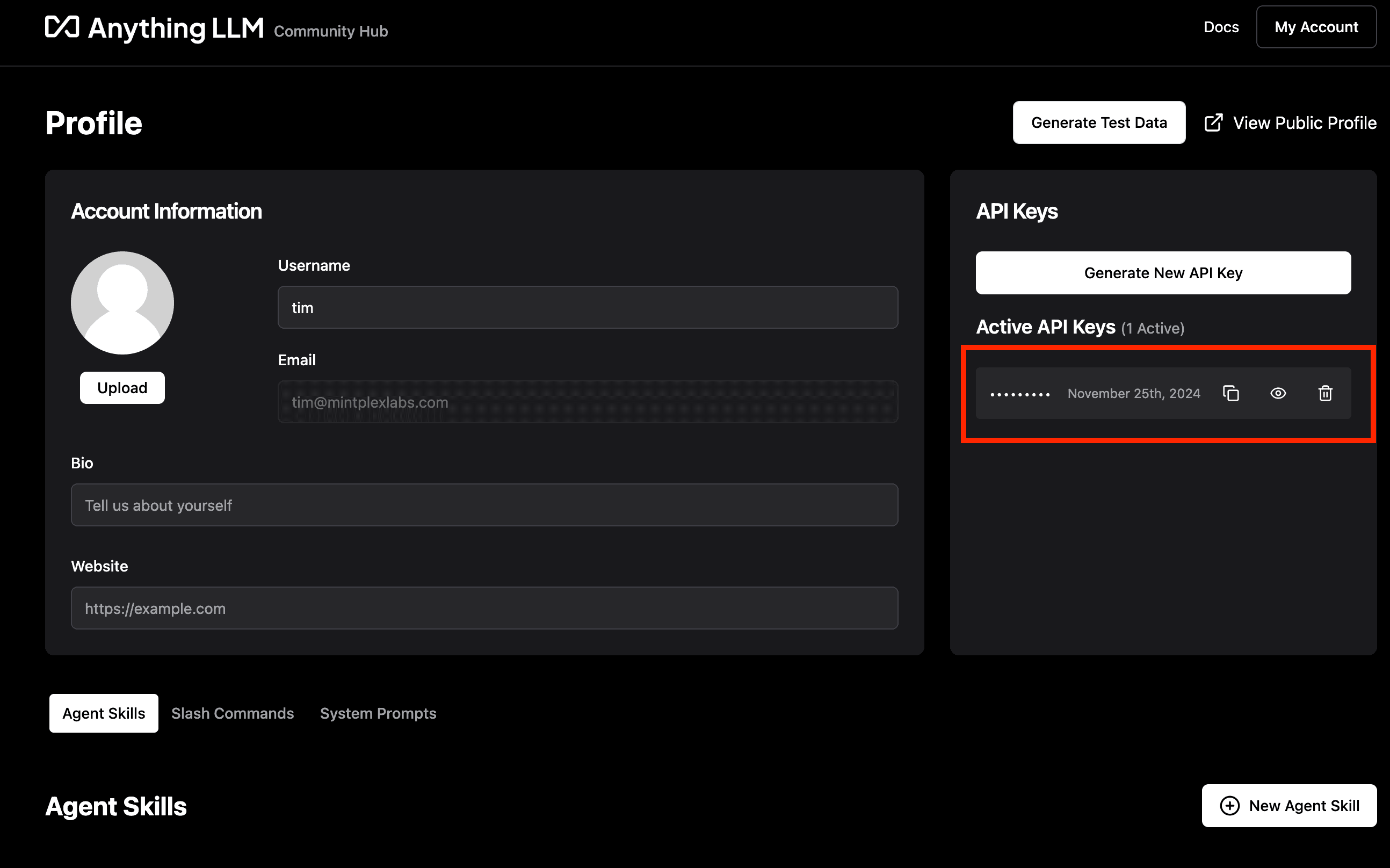
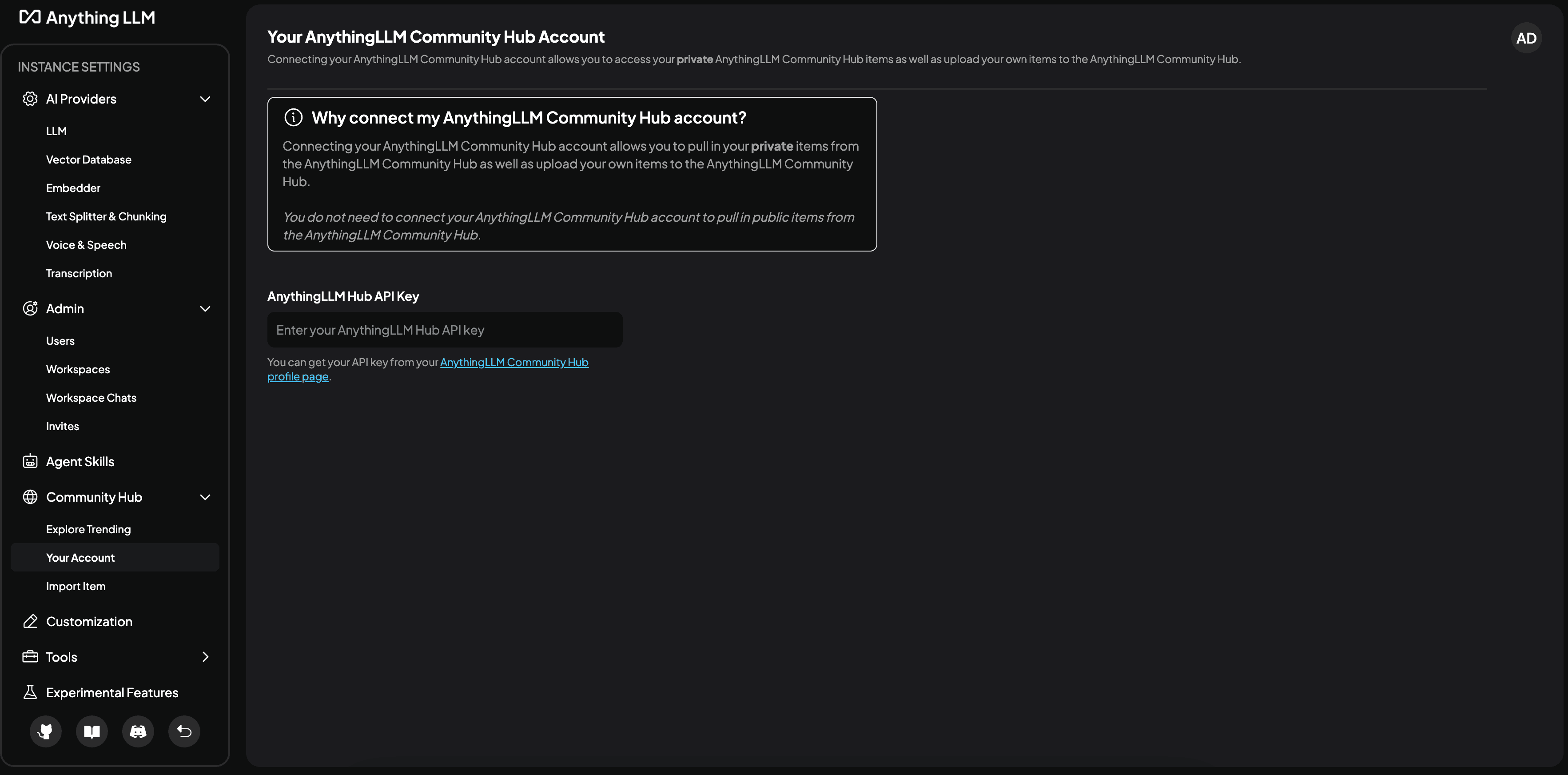
Next, you can use the Connection key to connect to the Methodius AI Community Hub in Methodius AI.
No private items
The Methodius AI Community Hub offers both public and private items. When you create an item, you can choose to make it private or public.
Public items are visible to all users of Methodius AI. Private items are only visible to you and Teams you share the tools with that you also have access to.
If you are trying to pull in a private item from the Methodius AI Community Hub:
- Ensure you are logged in with the same account you used to create the item.
- You are using the correct [Connection key](#connecting-to-the-Methodius AI-community-hub) in Methodius AI.
- The item has been shared with at least one of your Teams.
Verification
Some items in the Methodius AI Community Hub are verified by the Methodius AI team. These items are marked with a blue checkmark and a label that says Verified.
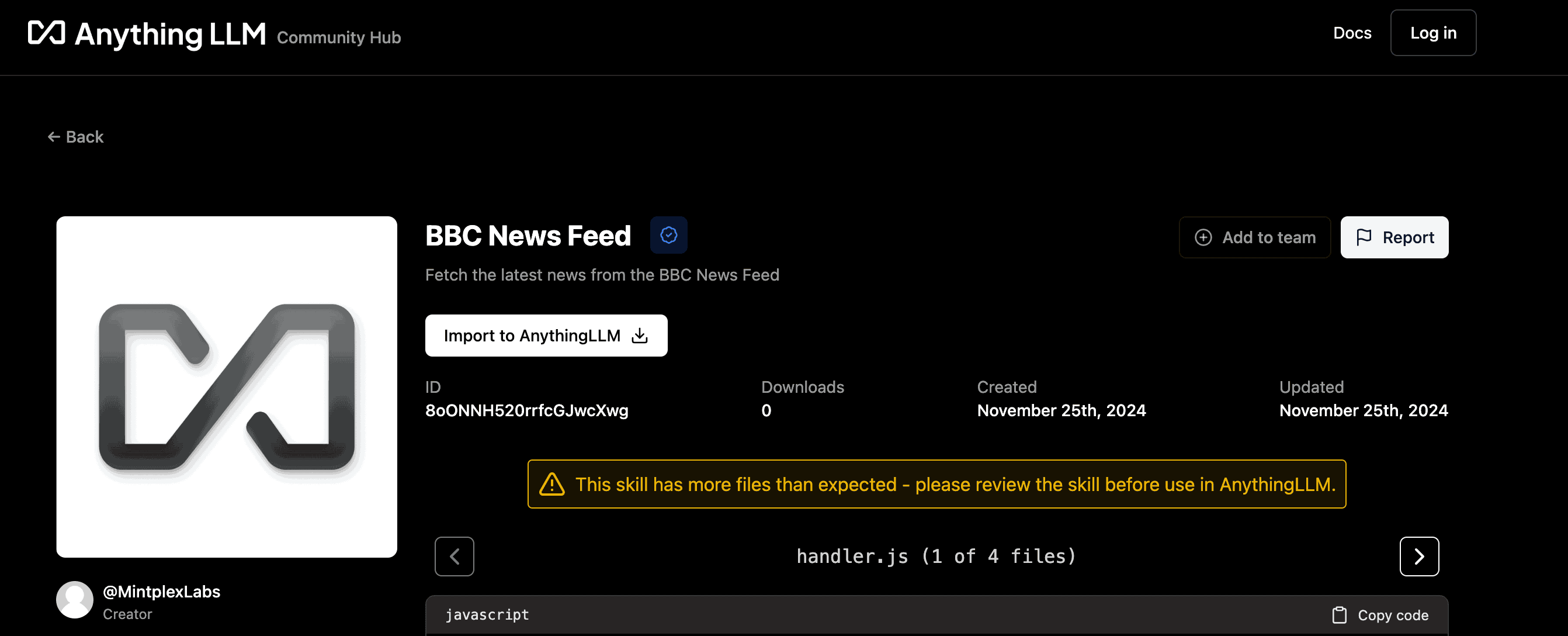
Verified items have been reviewed by the Methodius AI team to ensure they are safe and working as expected. Verification is not a guarantee of quality or safety, but rather a signal that the Methodius AI team has reviewed the item and believes it is safe to use.
You will only see verification badges for public items that are:
- Agent Skills
- Data Connectors
- Workspaces
The Methodius AI team will review and verify items on a best-effort basis. If you believe an item should be verified, please let us know by [contacting support](mailto:team@Methodius AI.com).