Appearance Customization
DOCKER VERSION ONLY!
These settings are only available in the Docker version of Methodius AI
Methodius AI allows you to customize the look and feel of your instance to match your brand and identity.
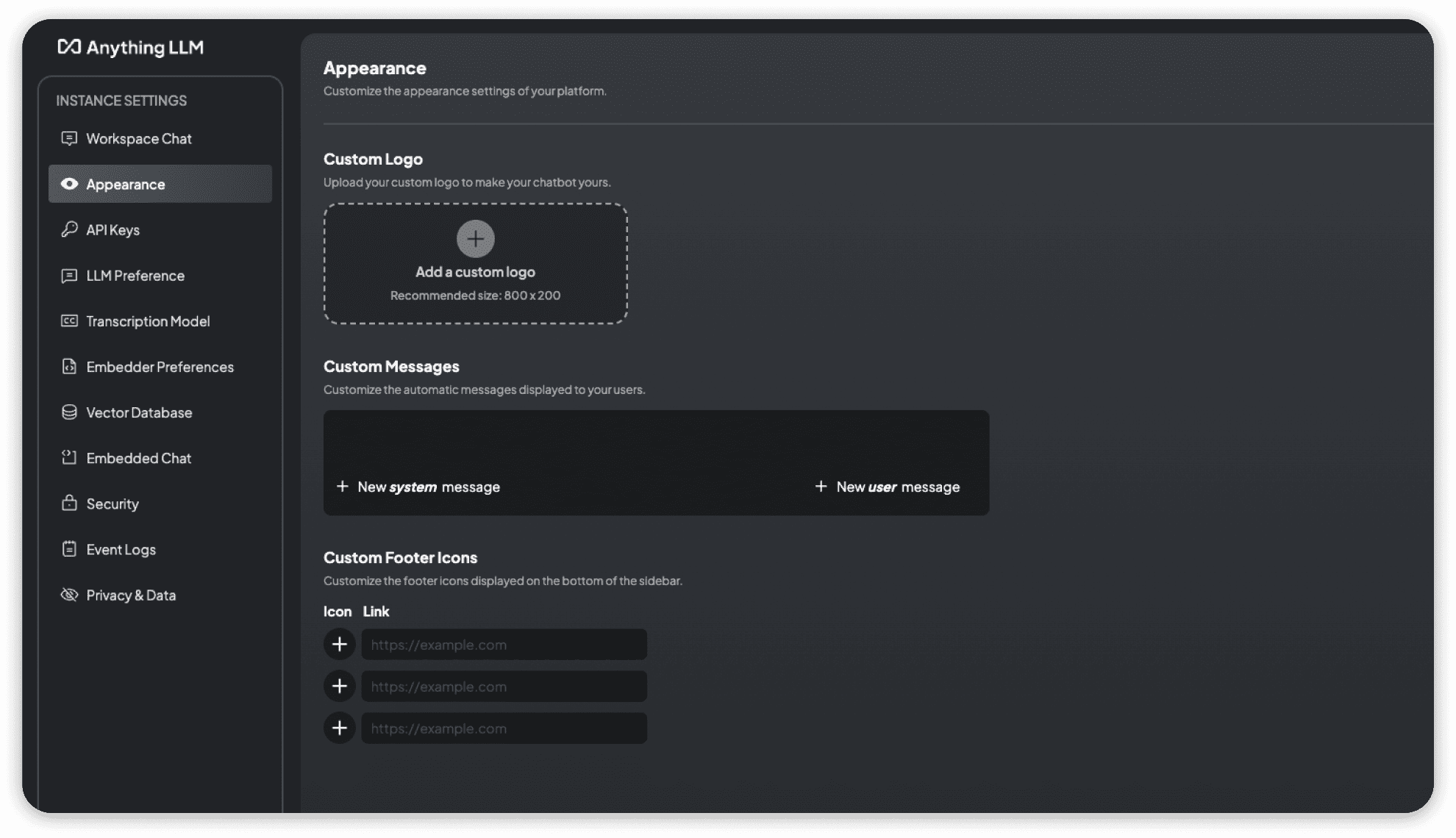
Overview of all the appearance settings available in Methodius AI.
Custom Logo
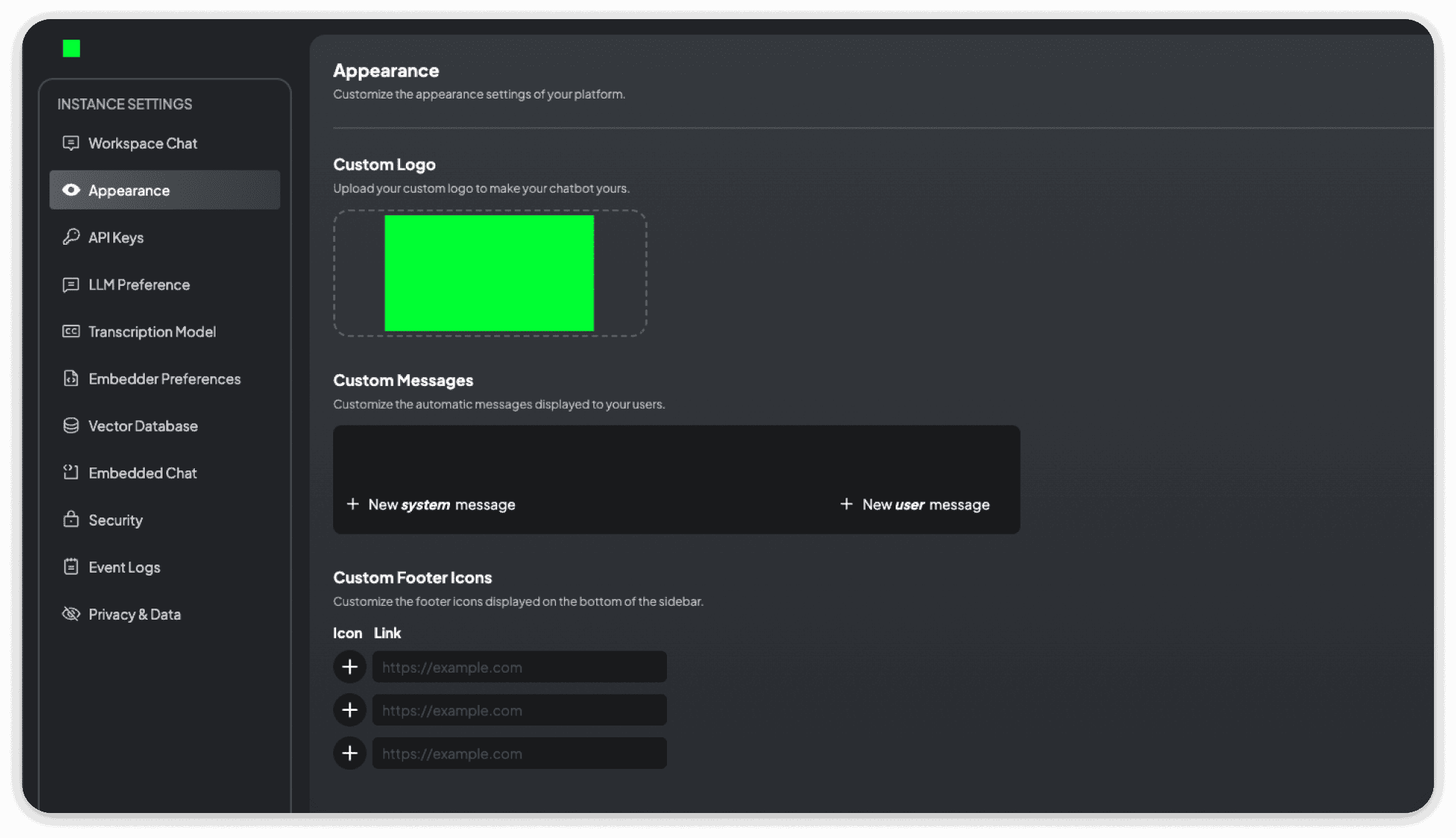
You can replace the Methodius AI branded logo that appears on the login page and throughout the app with your own brand's logo. In this example, we have used a green square image for demonstration purposes.
Custom Welcome Messages
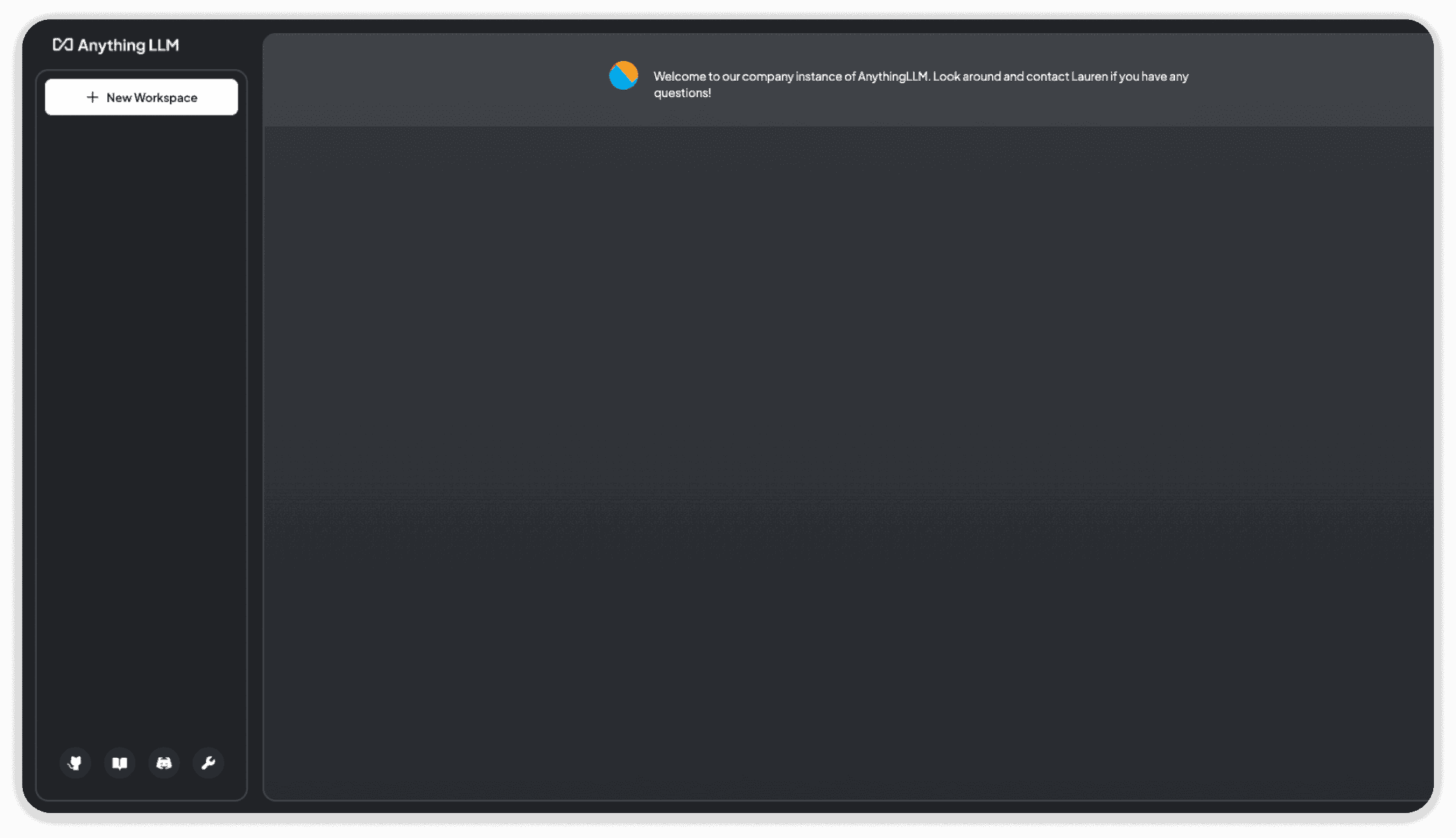
By default, when you first log in to Methodius AI and you have not yet selected a workspace, you will be shown the default messages explaining Methodius AI. Using the system messages inputs, you can simulate both system and user response messages. Take this opportunity to tell users what specific workspaces are for - or just say hello!
Custom Footer Links and Icons
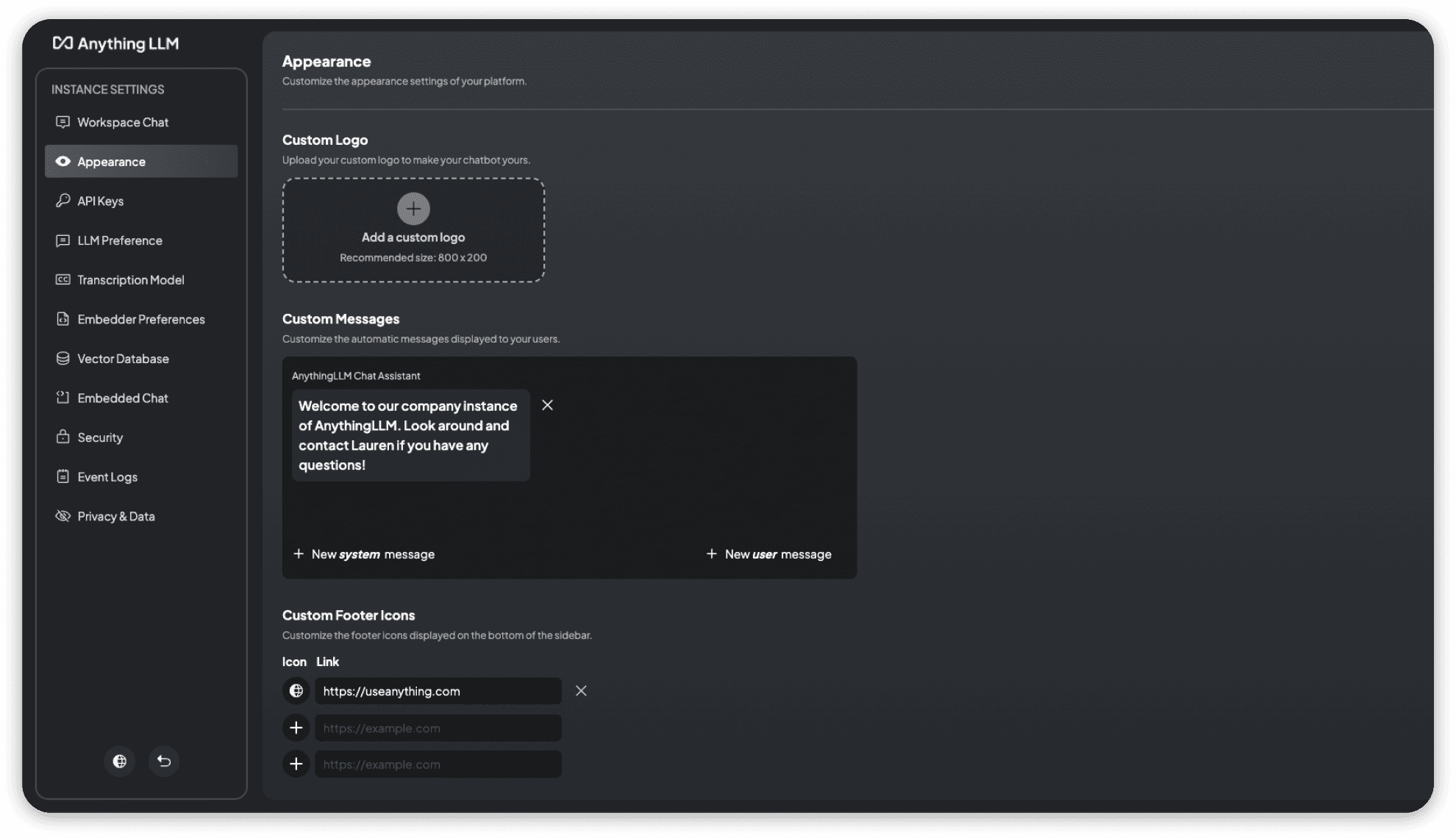
The footer icons can be replaced with custom links and icons to provide quick access to relevant resources or web pages.