Importing from the Methodius AI Community Hub
Every item in the Methodius AI Community Hub can be imported into Methodius AI. The process for importing each type is mostly the same.
Locate the item on the Methodius AI Hub
Given a public or private item on the Methodius AI Hub, you can get the import string from the item by clicking on the Import to Methodius AI button.
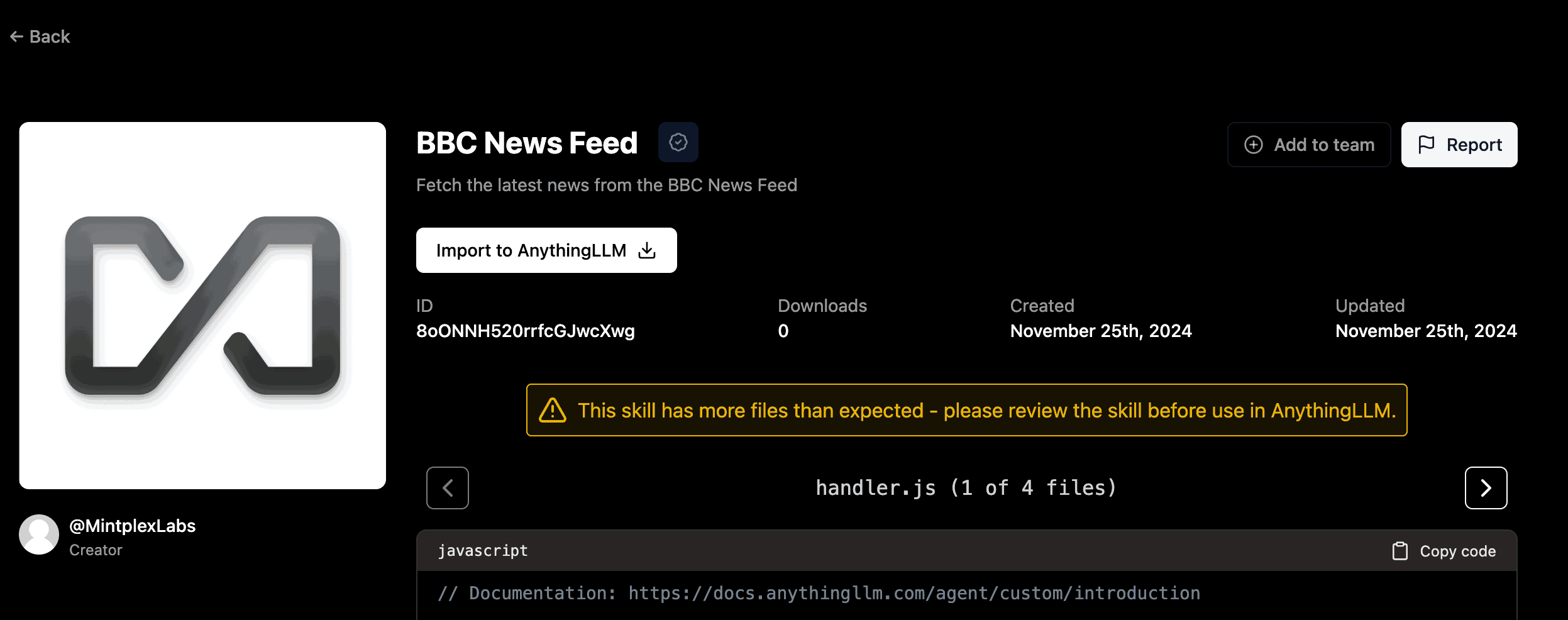
Clicking this button will show you a modal with the import string for the item.
On desktop this may prompt you to automatically open Methodius AI to automatically handle the import via a deep links.
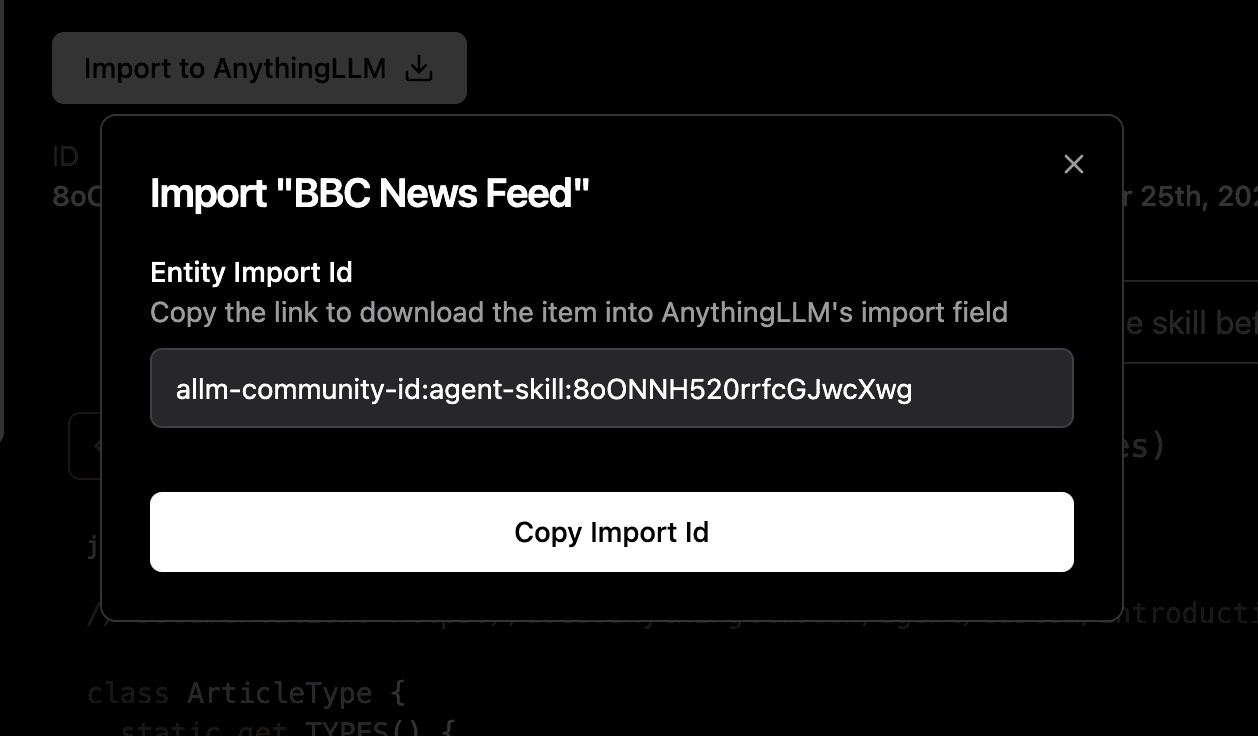
Paste the import string into Methodius AI to begin the import process.

From here, you can follow the on-screen instructions to complete the import.
Failed to import agent skill?
On self-hosted or the dockerized versions of Methodius AI, you may encounter an error when importing an agent skill.
This is because the agent skill requires you to enable imports of agent skills in the Methodius AI configuration. By default, this is disabled to prevent malicious users from adding harmful agent skills to your instance.
If you are the administrator of the Methodius AI instance, you can enable imports of agent skills by modifying the COMMUNITY_HUB_BUNDLE_DOWNLOADS_ENABLED configuration value to the appropriate security setting.
See the [configuration page](/configuration#Methodius AI-hub-agent-skills) for more information.